The first look post showed the core loop working. A lot has been added since.
Merchant logos
Every transaction now shows a small logo next to the merchant name. Under the hood, the app maps merchant names to their domain and pulls the favicon from Google’s icon service. It’s a small detail but it makes the transaction list much easier to scan — you recognize merchants visually before you even read the name.
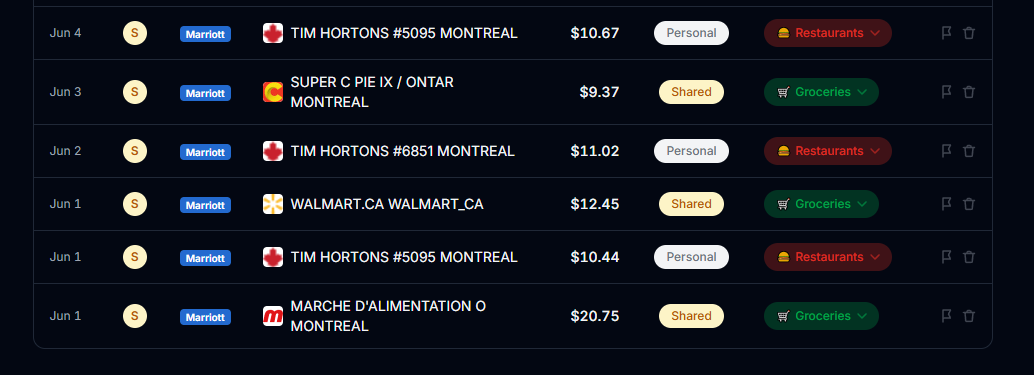
It’s not perfect. Smaller or local merchants without a known domain fall back to a generic store icon. But for the everyday stuff — groceries, restaurants, subscriptions — it works well.
Google sign-in
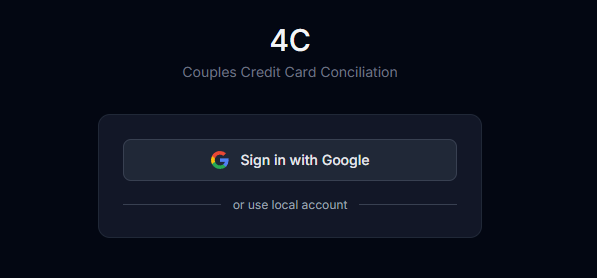
Login is now done through Google OAuth. One click, no password to remember. There’s still a local email/password option hidden behind a link for edge cases, but in practice we just use Google.
Rules engine
This one changed how the app feels to use day-to-day. The rules engine lets you define how specific merchants should always be categorized and split. “Virgin Plus” is always Personal, always Utilities. “Marché d’alimentation” is always Shared, always Groceries.
Once the rules are set, re-uploading a CSV categorizes everything automatically without any manual review. The app also suggests new rules based on uncategorized or frequently mis-tagged merchants — so it gets smarter the more you use it.
Settlement history
There’s now a full settlement history. Every month we mark the balance as settled, and it gets logged with the amount, who paid, and when. Useful for looking back and making sure nothing got missed.
What’s next
The core experience is solid. What’s left is polish — better mobile support, a few missing edge cases, and making it easier to invite a second user without needing to touch Supabase directly. More on that when it’s done.